
Searching for a Warrant in Pennington County
Pennington County gives you five ways to run a warrant check, and the order matters. Start with the court record, since that is where the case lives. The sheriff handles service and custody, and the state offers no public all-warrants search, so any site promising one is not official.
- Find the case. Search MCRO by case number or citation number, or look up the case by name with the court location set to Pennington County.
- Read the register of actions for the case. Look for a warrant event, a missed appearance, or a recall.
- Call District Court Administration at 218-684-7000 to confirm the current status, the court date, and any bail amount.
- Call the sheriff at 218-681-6161, or follow the county’s "I Have a Warrant" instructions, for service and custody questions.
- Ask the Sheriff's Records Division for existing public data when the question is about an agency record rather than a court file.
Someone who finds a warrant on their own case should talk with an attorney before anything else. That is the safest first step in Pennington County.
Pennington County Warrant Search: Start With the Case Number
In Minnesota, a case number is the surest route into a court record. Name searches wobble. A Pennington County lookup depends on spelling, aliases, and how a clerk keyed the name years ago. The number goes straight in. The state warns that some pending criminal, traffic, and petty-misdemeanor cases without a conviction stay hidden from a name search. They still return by number. So check your papers. The number sits on a citation, a court notice, or a bond receipt, and MCRO and the court payment search take it without dashes or spaces. Note: if no case number turns up, run a name search once anyway with the county filter set to Pennington County.
Warrant Search Fields Explained
The MCRO form asks for a few standard fields. Knowing which ones narrow a Pennington County result saves real time.
| Field | Type | Required | Notes |
|---|---|---|---|
| Last, first, middle name | Text | For a name search | Middle name is optional. An exact name or a trailing wildcard works. |
| Name type | Selector | Optional | The "Sounds Like" option widens a search. It cannot be combined with a wildcard. |
| Date of birth | Date or range | Optional | Format is MM/DD/YYYY. Use a range when the date is uncertain. |
| Date filed | Date or range | Optional | Filters by filing date. It is not a warrant-issuance filter. |
| Case category | Checkboxes | Optional | Civil, criminal, family, probate, or mental health. |
| Court location | Selector | Recommended | Select Pennington to cut unrelated results. |
| Case number | Text | On its own tab | The strongest search when a pending case may be involved. |
| Citation number | Text | On its own tab | Used for traffic and petty cases. The court payment search accepts the same number. |
The official Minnesota Court Records Online search form lays out these tabs and fields. No account is needed for the first public search of Pennington County cases.
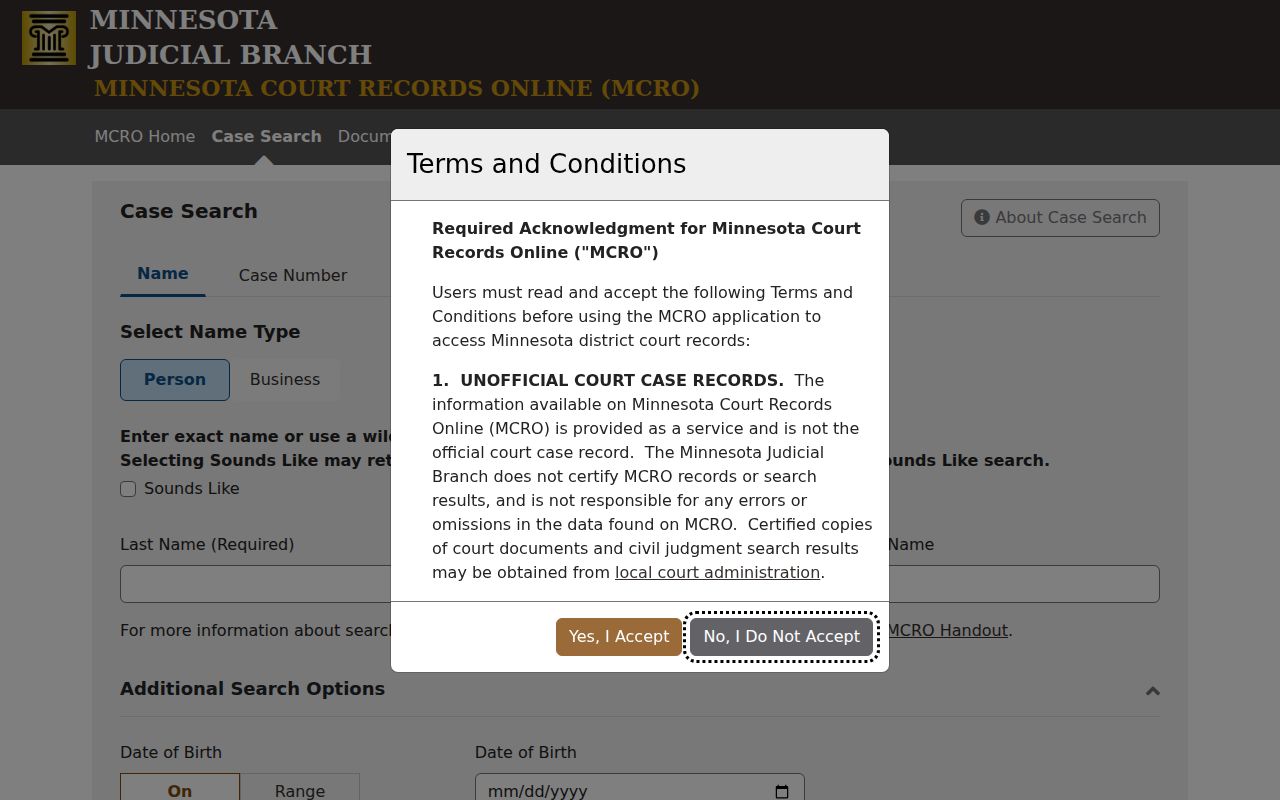
Four tabs organize the form. The county selector is where a Pennington County search narrows, and the form carries no warrant-only field.
The Red W in Pennington County Warrant Records
A red W sometimes sits beside a party name in Minnesota's government access system. It is a signal for staff. It is not a public warrant record. That system is not open to the public, and the state's guidance warns the icon can appear even where it does not refer to the case on screen. So do not read the letter as a status. Open the case and read the events. Anyone working through Pennington County warrant records should confirm what they see there. Note: the public equivalent is the case record itself, so read the register of actions and confirm the status with Pennington County Court Administration.
What a Warrant Search Shows
A Pennington County search returns a case, not a verdict. Expect a case number, the parties, the charge, the filing date, and the list of events.
| Case number | The identifier for the case in Pennington County District Court. |
|---|---|
| Case type and status | Criminal, traffic, or petty, with the current procedural status. |
| Parties | The State of Minnesota and the named defendant. |
| Filing date and location | When and where the case was filed. |
| Register of actions | The event history, including hearing dates, failures to appear, and recalls. |
| Public documents | Documents available through the portal, mostly from July 1, 2015 forward. |
The MCRO information page spells out what the portal covers. It also says how far back public documents go for Pennington County cases.
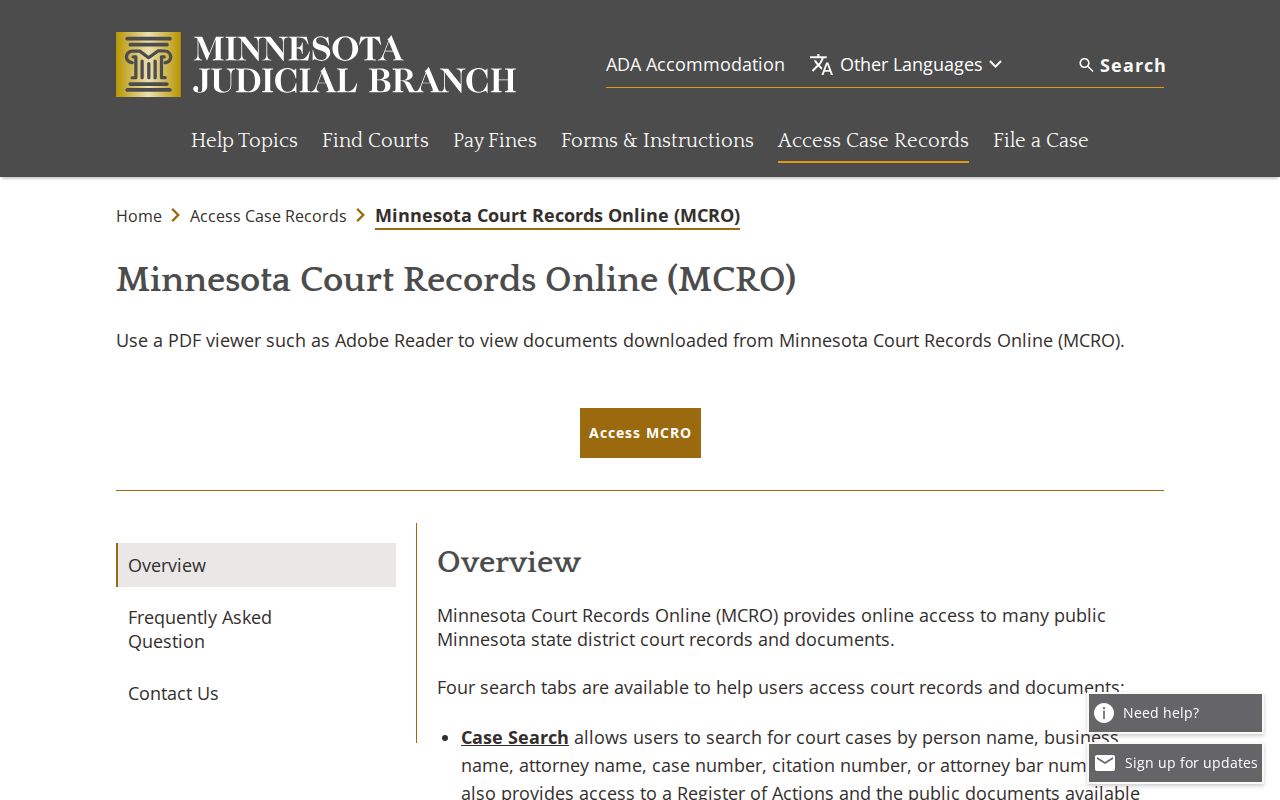
That page puts it plainly. Online Pennington County records there are unofficial and not certified, so a certified copy comes from Court Administration.
Filters That Narrow a Pennington County Warrant Search
Two controls do most of the work in a Pennington County warrant search. The court selector limits results to one county's court. The name type menu widens or tightens the match. Sounds Like returns names close in sound to what you typed, which helps with spelling variants in a Pennington County search and swamps common names. A trailing wildcard works the other way. It needs at least two characters first and cannot be combined with Sounds Like. Government users get a separate system with a smart search, but the state says it has no feature to identify all active warrants or warrant history. Minnesota Government Access is not a public tool.
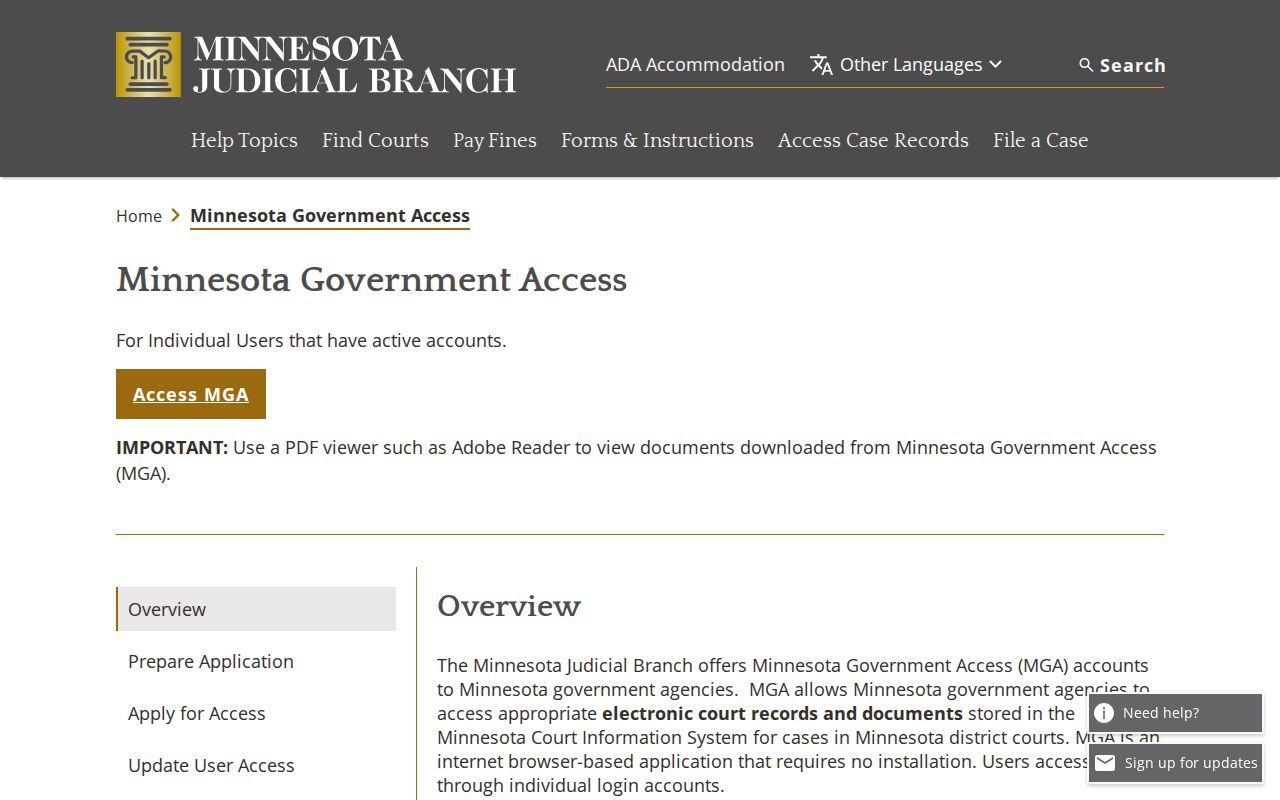
That login screen is the boundary. It splits the public portal from the restricted one, so Pennington County users stay with MCRO.
Where to Check Warrants in Pennington County
No office here posts a public warrant list. Each Pennington County office holds a different piece, so a full warrant check means asking more than one.
- District Court Administration holds the case file, the court date, and bail instructions.
- The Sheriff’s Office serves warrants, holds custody, and publishes the county’s clearing route.
- The Records Division releases existing public agency records on request.
- Thief River Falls Police handle city reports and citations.
- The Bureau of Criminal Apprehension keeps a criminal-history product, not a warrant search.
Minnesota posts no statewide public active-warrant lookup. So the court and sheriff confirm warrants here. The criminal-history records from the Bureau of Criminal Apprehension answer a different question about a person, not a Pennington County warrant.
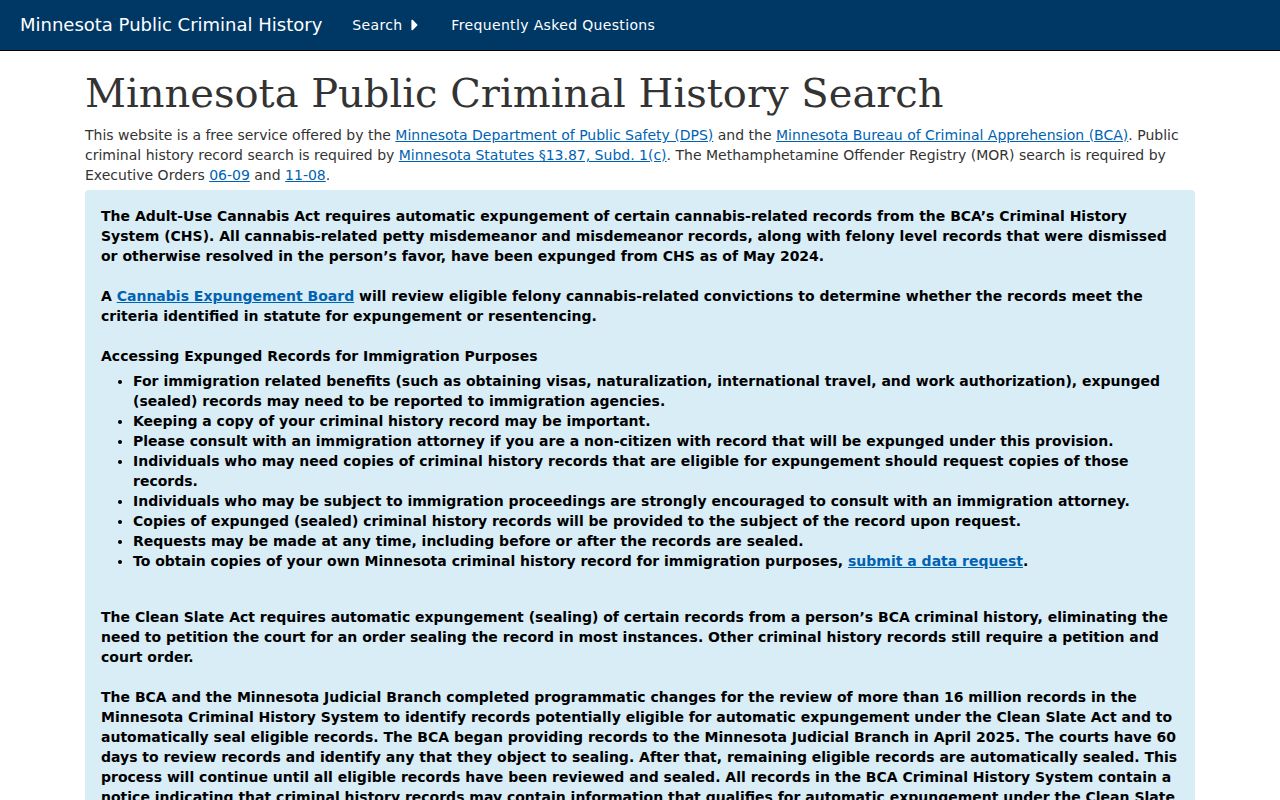
A conviction record and an open warrant are different things. Neither one replaces the court file in a Pennington County check.
The Four MCRO Searches for Pennington County Warrants
The portal does more than one job. Each tab answers a different question.
- Case Search finds a case by name, case number, citation number, or attorney.
- Document Search finds filed documents.
- Hearing Search finds scheduled hearings.
- Judgment Search looks up a judgment by debtor name.
None of the four searches is a warrant registry. The portal charges nothing for documents viewed there, and certified copies come from Pennington County Court Administration.
Restricted Warrants and Access Rules
Law keeps some records out of public search entirely. Domestic abuse and protective orders, harassment orders, CHIPS matters, certain juvenile felony cases, and civil commitment documents stay off remote access. No trick opens them. Typing harder will not help. When a Pennington County case seems missing, ask Court Administration whether that record type is restricted by law.
Key Rules:
Minn. Stat. 13.82 keeps warrant-index data confidential until the person is taken into custody, served, or appears in court, unless the agency decides disclosure serves the public purpose.
Minnesota Rule of Public Access 8 allows inspection during regular hours and sets the remote-access limits for protected case types.
Minn. Stat. 13.03 requires a denial to cite the specific authority and allows a request for the public portion of a record.
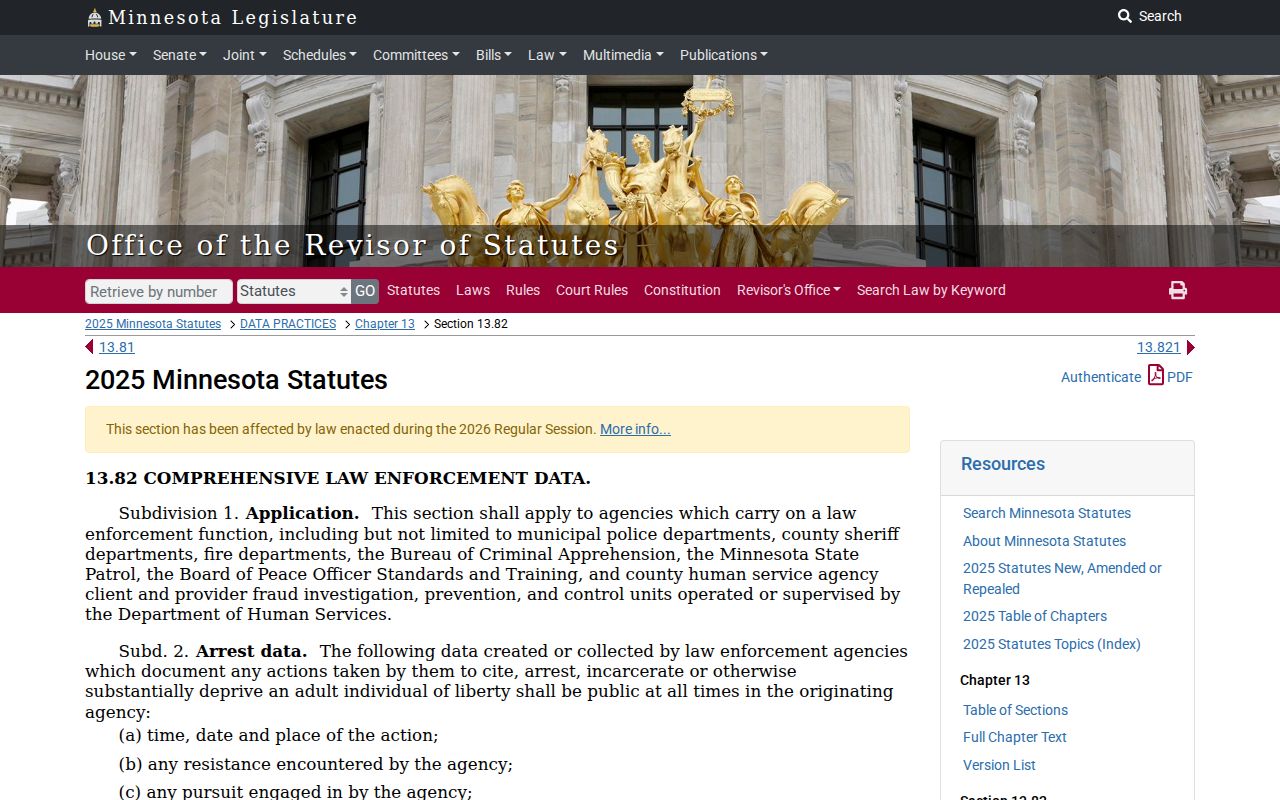
This confidentiality rule explains something odd. Pennington County can decline to publish a live warrant index even though the underlying cases remain court records.
No Results in a Pennington County Warrant Search
A blank screen has several explanations. The county filter may be wrong. The name may be spelled differently, the case pending and findable only by number, or the record restricted. A no-result in a Pennington County warrant search is a starting point, not an answer.
- Recheck the county filter and try a case number.
- Try a former name, a maiden name, or the Sounds Like option once.
- Call Court Administration at 218-684-7000 and ask whether a case exists by number.
- Ask the sheriff's office for operational direction if the concern is a service or custody matter.
A paid criminal-history product cannot replace a warrant check with the issuing court. A "no records found" reply in a Pennington County warrant search may just mean the record is nonpublic, held locally, or outside that system.